
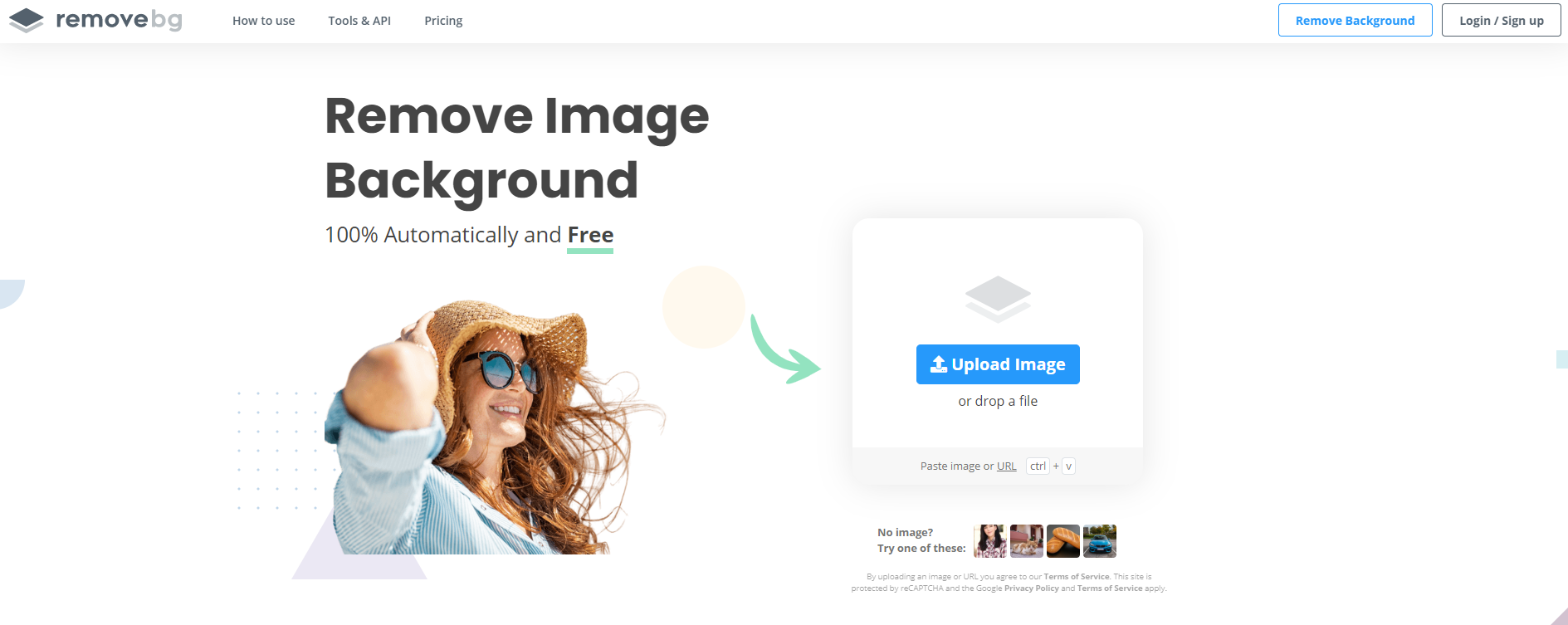
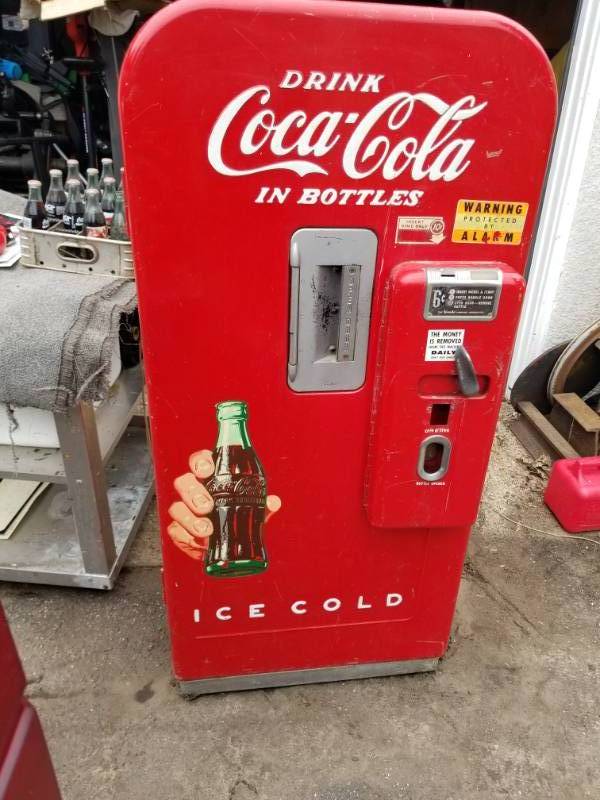
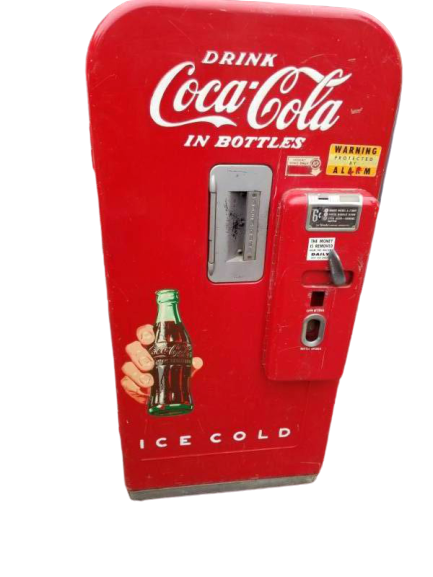
Sometimes a simple removal of a background can make a huge difference in how an item is presented, especially if the original background is cluttered or messy. There are many online photo editing options available, but we would like to share a free and easy one that we have found to be effective.
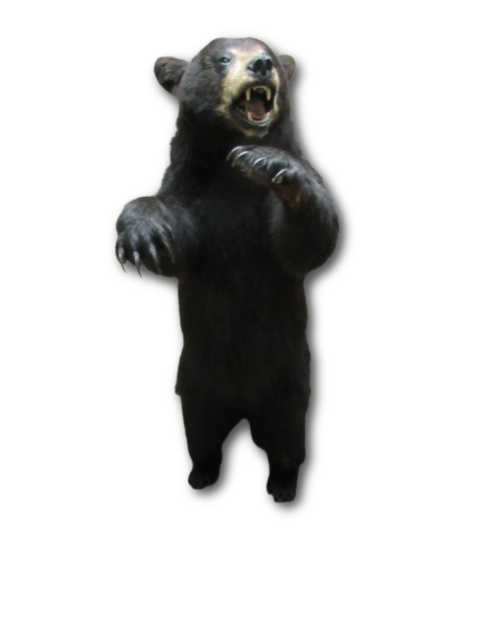
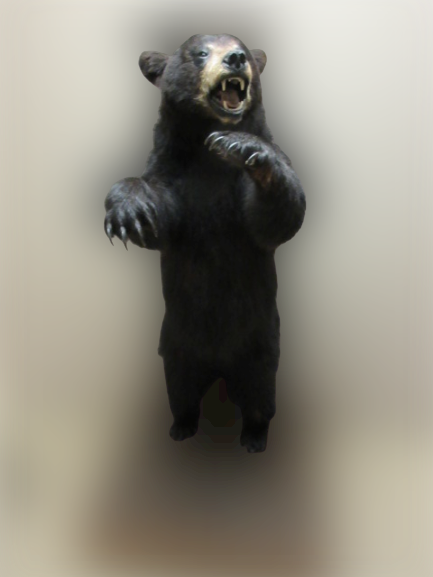
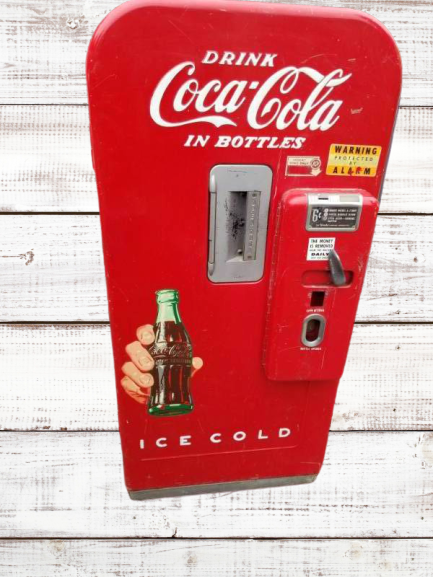
This program offers a free option to upload images 1-by-1 to remove the background, blur the background, or even add your own custom background images.
This can be helpful for auction promotion and helping auction items stand out. We would always advise to include the original picture in an auction lot and never use editing to hide or reduce and imperfections or issues with the lot.
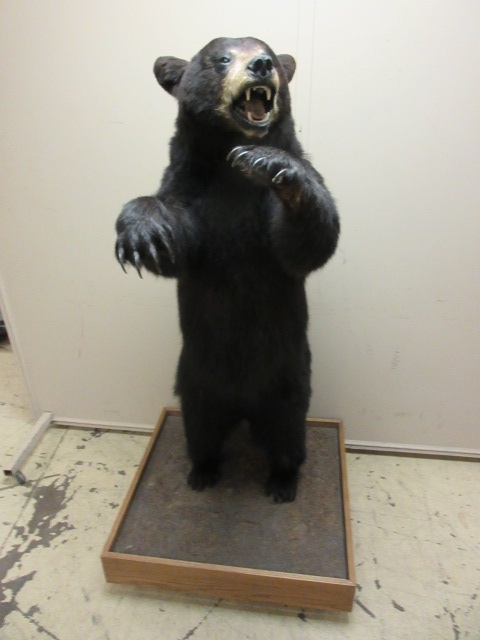
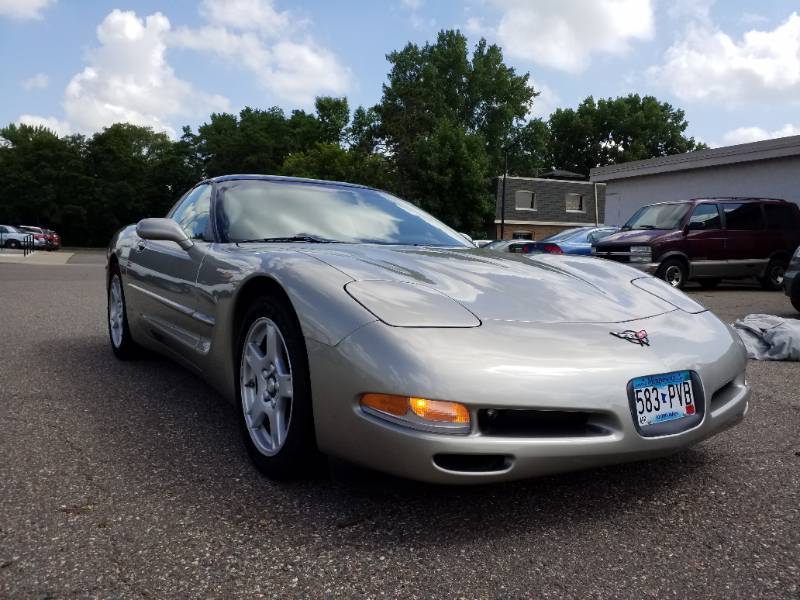
Take a look below at some examples of auction items that we edited with this system:
| Original | Altered |
 |
 |
|
 |
 |
 |
|
 |
|
 |
 |
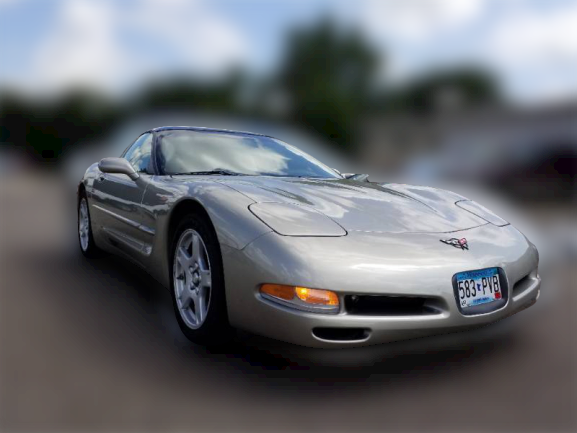 |
There are many options out there for photo editing and it's not going to be applicable for many of your auction items. This is just a helpful tool that may help some of your items stand out in the future through promotion on social media or even in the lot listing.
Comments
0 comments
Please sign in to leave a comment.