
Focused Edit Mode allows you to quickly assign different categories to different lots with a new, easy to use Category editor.
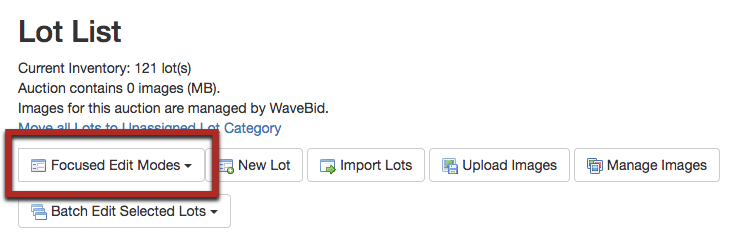
1. In your Lot List, click the Focused Edit Mode button and select "Categories." You do not need to select any lots first.
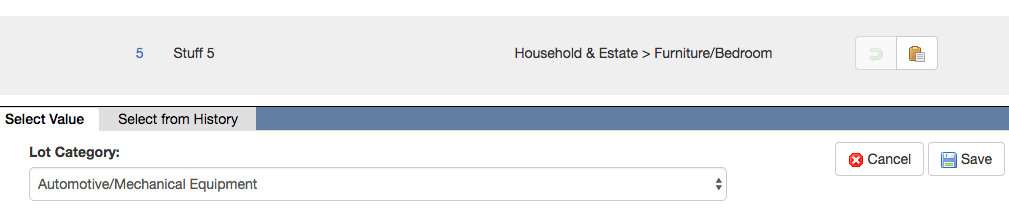
2. At the bottom of the page, select the first category you wish to assign. For quick access, once you have assigned a category to a lot, the category will appear in the "Select from History" tab for the remainder of that editing session...
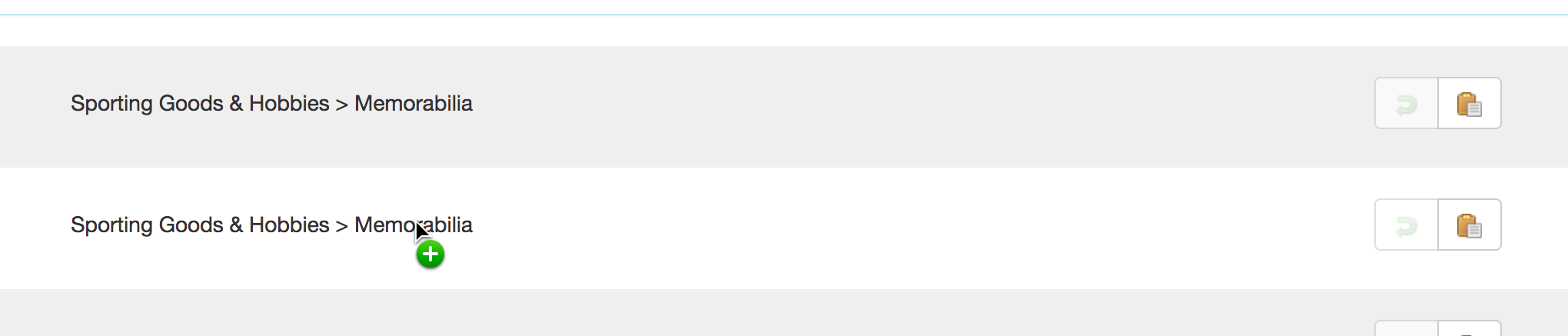
...OR clicking on an existing category assigned to a lot will make that the active category for assigning to other lots.
3a. Assign the category to the appropriate lots by clicking the clipboard icon next to each lot. DO NOT CLICK SAVE YET. 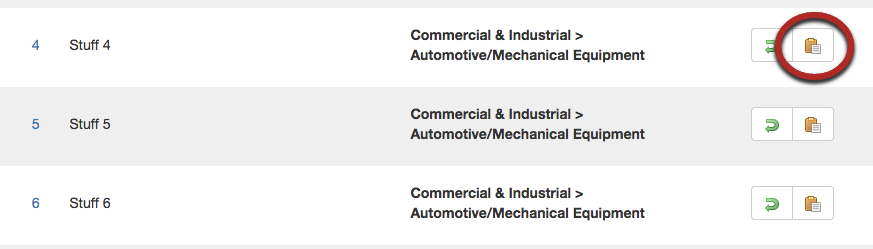
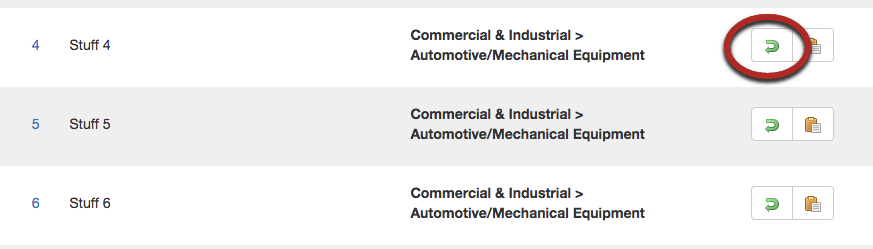
3b. If you accidentally assign a category to the wrong lot, click the green arrow button to undo the selection. It will revert back to the previously assigned category.
4. Repeat steps 2 and 3 until all lots have the correct categories assigned.
5. Click Save to return to the Lot List.
Comments
0 comments
Article is closed for comments.