
Affiliates now have the ability to create lot fee groups to assign to specific lots. This is a particularly helpful feature for car dealers that have to add transfer fees to multiple items.
*Important Tip: Be sure to verify your fees prior to publishing the auction.
To create a lot fee group, you will add fees to a lot in the edit lot page:
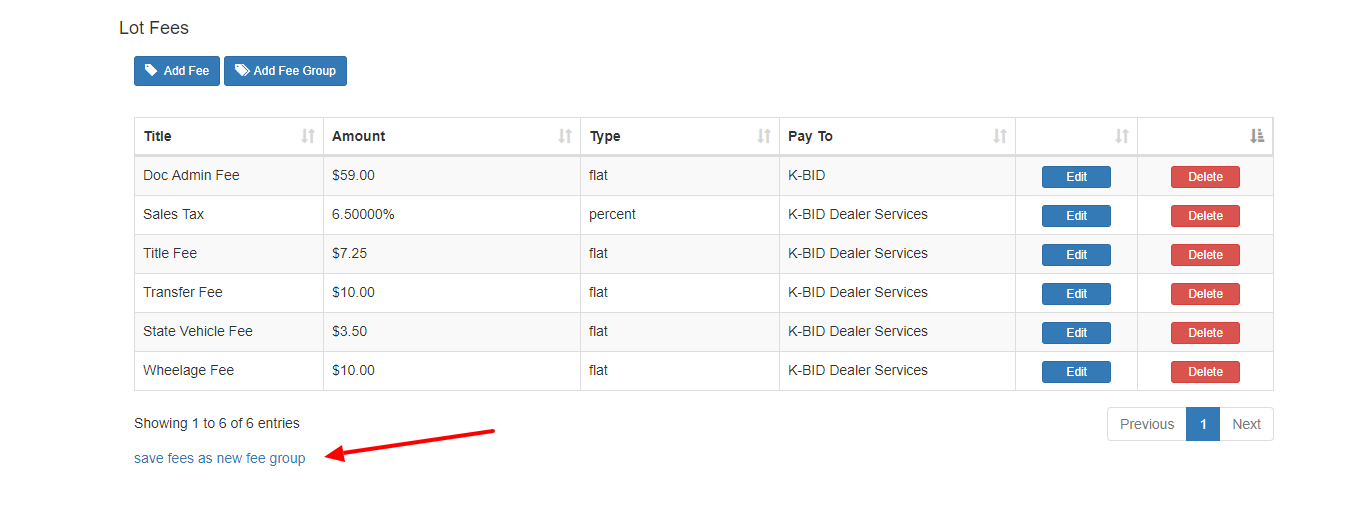
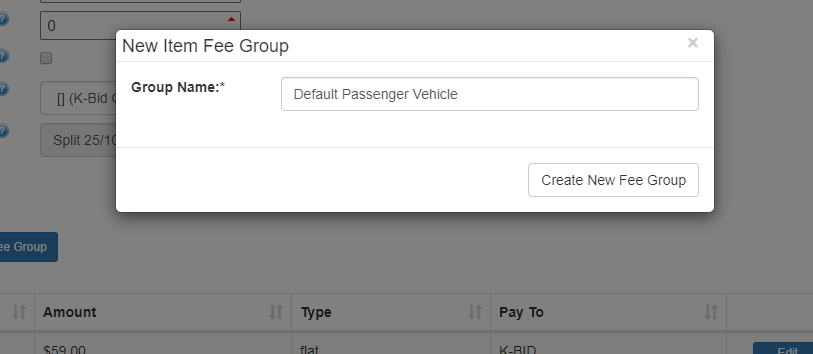
Once complete, you will have the option to"Save fees as new fee group." You will be asked to name the new fee groups.
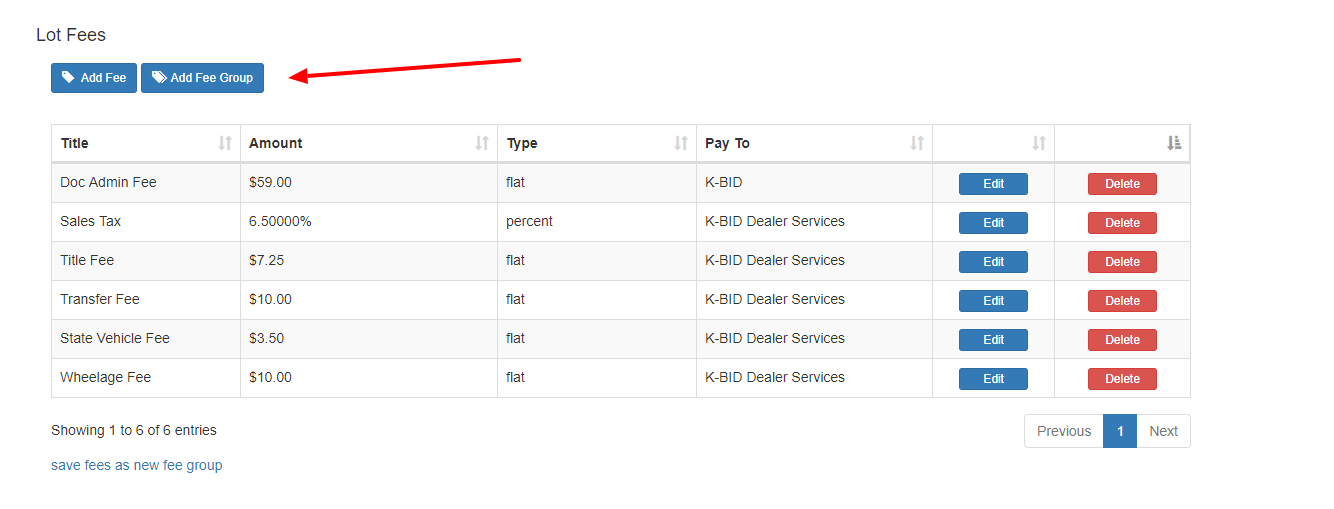
Once created, you can now assign the fee group on new lots that are created. Additional fees can be added or removed once the fee group has been applied.
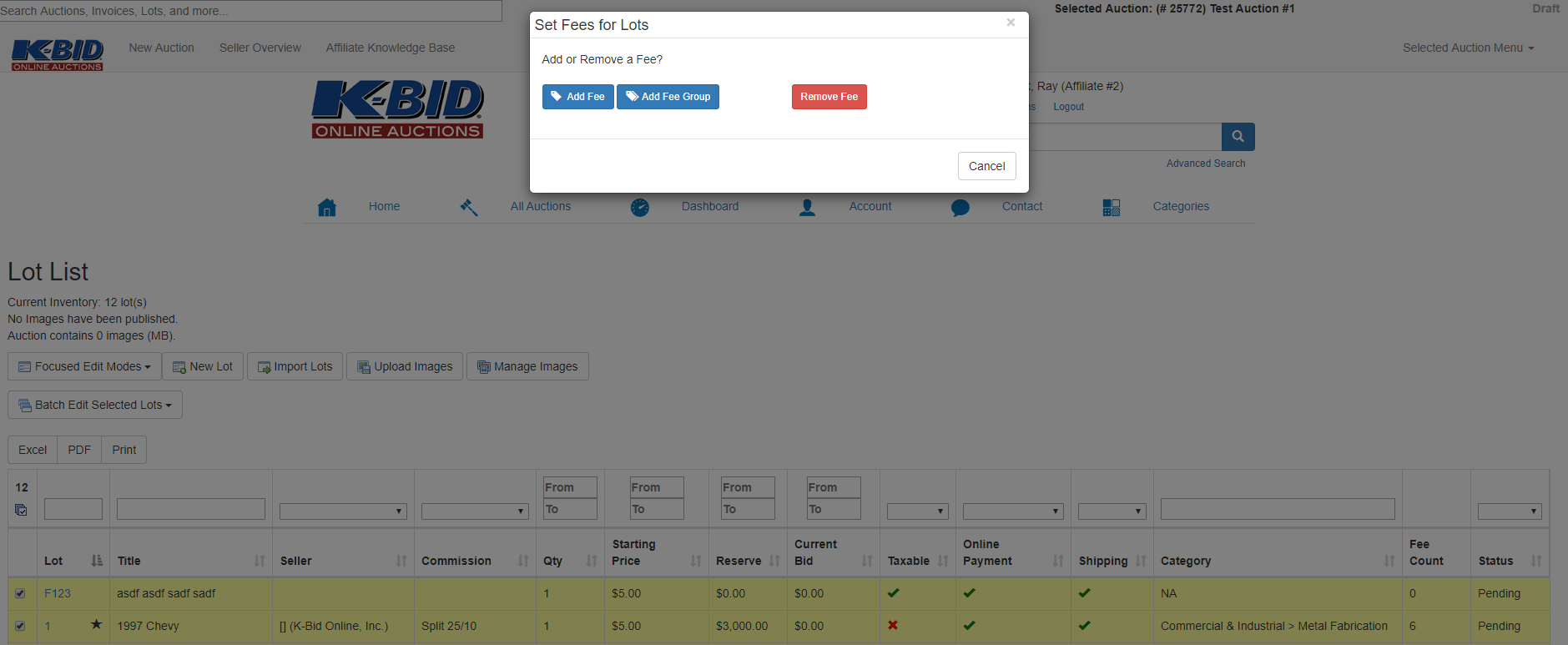
Fee groups can also be assigned by using the Batch Edit Selected Lots on the Lot List.
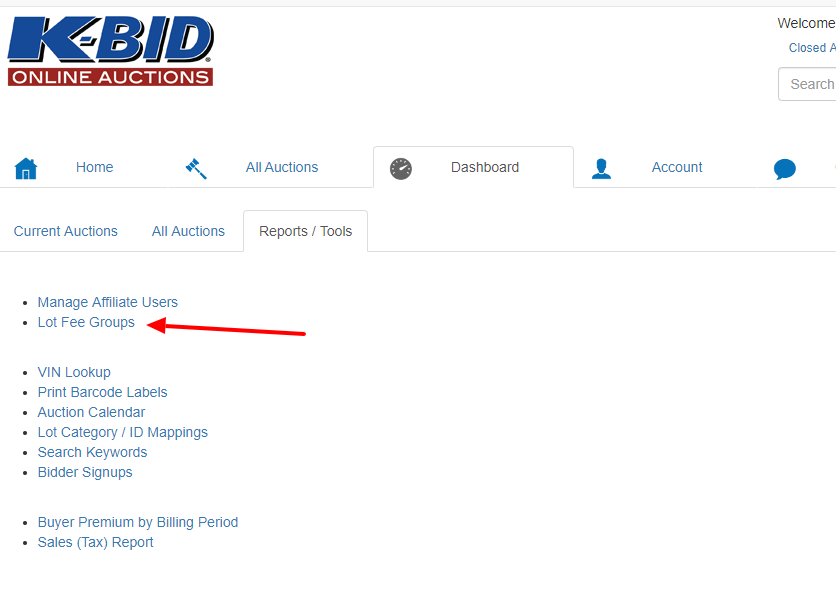
Fee groups can be managed on the Reports/Tools tab under the Lot Fee Groups option.
Comments
0 comments
Please sign in to leave a comment.