
There are two ways to create descriptions for a lot within K-BID.com. First, you can create each description manually using the New Lot button from the lot list.
Creating Descriptions Manually
This process can be done before or after images have been imported.
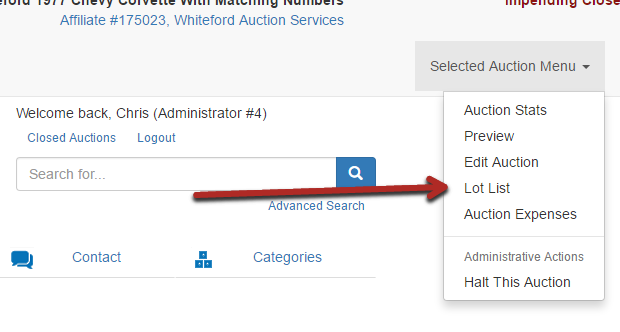
- Enter the auction Lot List page.
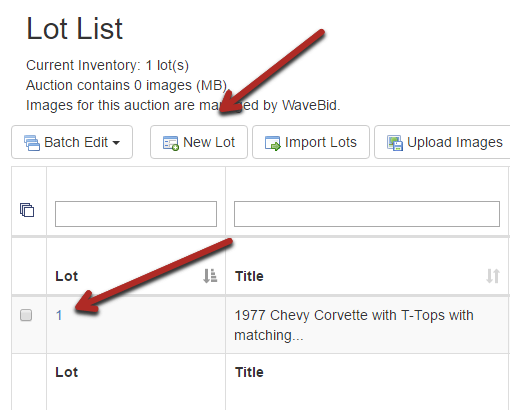
- Select the New Lot button in order to create your description for the first lot. You can also edit a previously made lot by clicking on the lot number as seen below.
- Enter the information within the Edit Item page (Lot Description Detail) and hit Save on the bottom of the page. A title and description will be required for you to save.

- Continue creating lots until the auction is complete. Lots can be accessed, edited and added within the Lot List.
Comments
0 comments
Please sign in to leave a comment.