
Import Previous Lot
Images and descriptions can be uploaded from a previous auction to prevent you from having to re-create a lot. It is STRONGLY recommended to do this process first, prior to creating any new lots in the auction.
From the lot list, click on Import Lots. 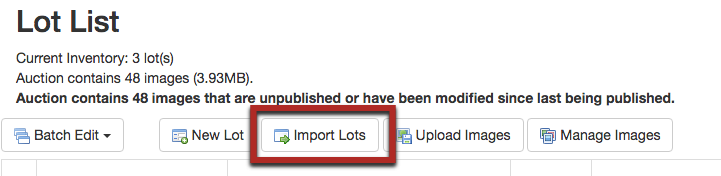
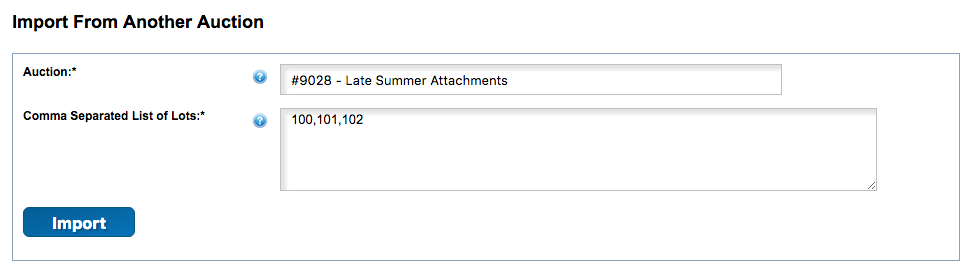
Search for the auction by ID or Name within the Auction section. Enter the lot numbers that you would like to import, separating each lot number with a comma.
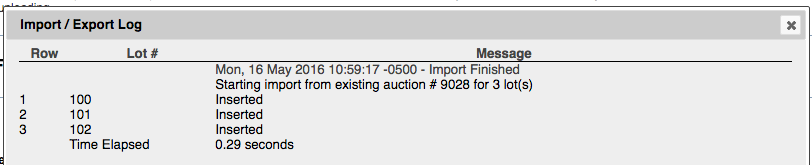
After the import is complete, it's helpful to review the log to be sure that all lots were imported correctly.
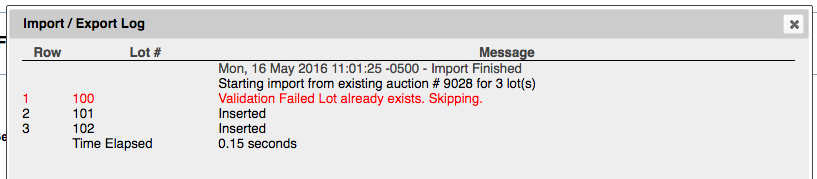
Note that if you import into an auction that has lots already created (again, NOT RECOMMENDED), it will skip importing any lots with matching ID's:
The last step is to sync the imported lot info with the imported images. Return to the Lot List and click on Manage Images.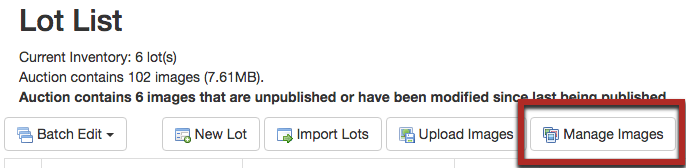
The images will have been automatically assigned to the correct lots. Click Save.

Comments
0 comments
Please sign in to leave a comment.