
These fields are available for bulk edit after they have been created or imported into K-BID.com.
- Starting Price
- Reserve Price
- Is Taxable
- Fees (Lot fees such as vehicle fees, NICS Fee)
- Lot Categories
- Featured Lots
- Seller
- Commission Rate
- Delete (Lots can only be deleted in a DRAFT status)
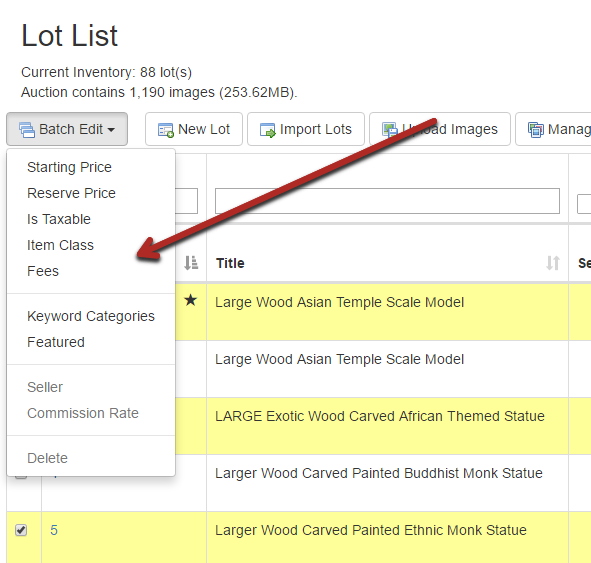
- Lots can be edited in bulk by selecting the check box next to each lot and hitting the Batch Edit option.
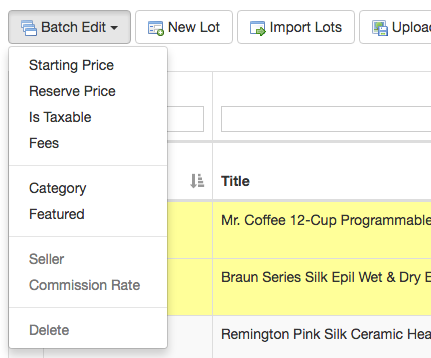
- Select the Edit that you wish to perform.
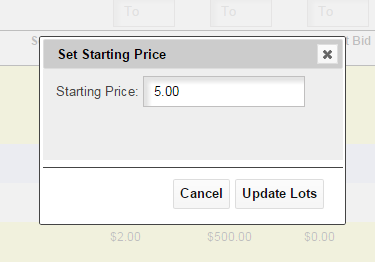
- A new window will pop-up with the edit options. Enter the change and select Update Lots. You will see the changes made within the Lot List.
Comments
0 comments
Please sign in to leave a comment.