
Images that have been uploaded into K-BID.com can be copied and moved to another lot within the same auction.
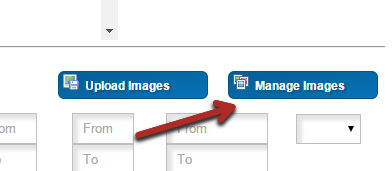
- Enter the Manage Images section.
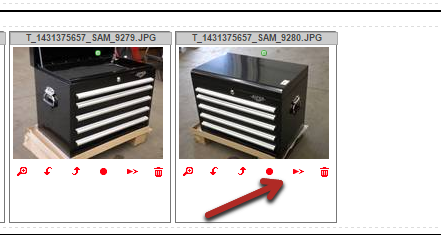
- Find the image you would like to copy and select the Move to Lot option.
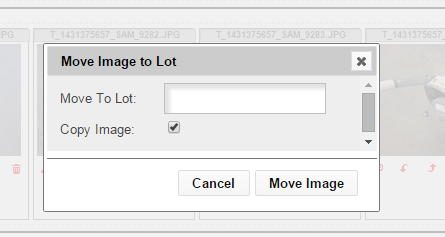
- Select the Copy Image check box and enter the new lot number for the image.
Comments
0 comments
Please sign in to leave a comment.