
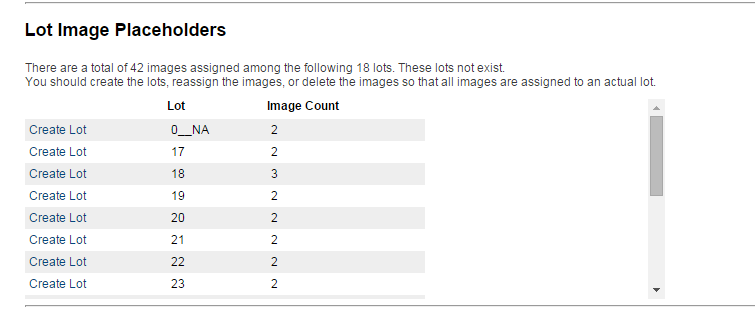
The Lot Image Placeholders function allow you to see which lots have images assigned to them but do not yet have a description. When this happens the system recognizes that the images exist and belong to a certain lot, however the lot itself (along with a description, title, etc.) has not been created yet. This a good way to audit which lots need to be completed, if you need to reassign images to a different lot or if you need to delete any extra images. This table can be found within the Lot List page above inventory table.
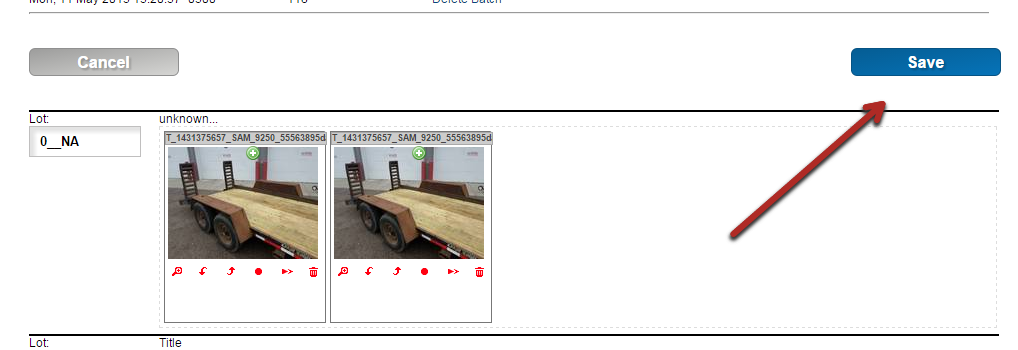
IMPORTANT: If you have uploaded images and completed descriptions but the images are NOT showing on the auction preview page, you may need to go into the Manage Images page and hit save one time. This will allow the system to sync up any new lots that have been created.
Comments
0 comments
Please sign in to leave a comment.