
The ability to crop and edit images is available after image import. The crop/edit options are available within the View Fulls-Size/Launch Editor button.
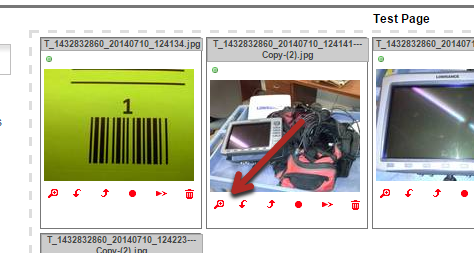
From there you will have the ability to make the following edits:
- Crop / Crop to a 3:4 ratio / Crop to a 4:3 ratio
- Brightness/Contrast
- Hue/Saturation
- Vibrance
- Denoise
- Noise
- Sepia
- Vignette
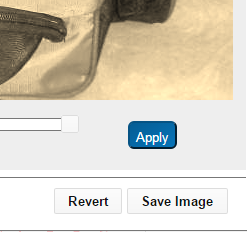
You will have the option to apply your edits, revert to the original image, and save the image once your masterpiece is complete.
Comments
0 comments
Please sign in to leave a comment.