
Invoice status is automatically updated when a bidder pays online. These tips will show you how to easily check to see if a bidder has paid online if you are out in the field.
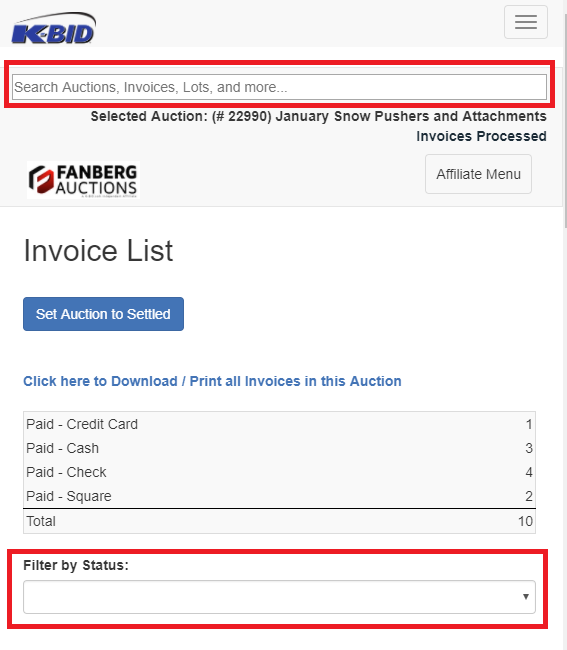
The first and easiest option will be to enter the invoice number into the search bar on the top of your screen. These screenshots are from a mobile device to let you see how it would look on your phone or tablet.
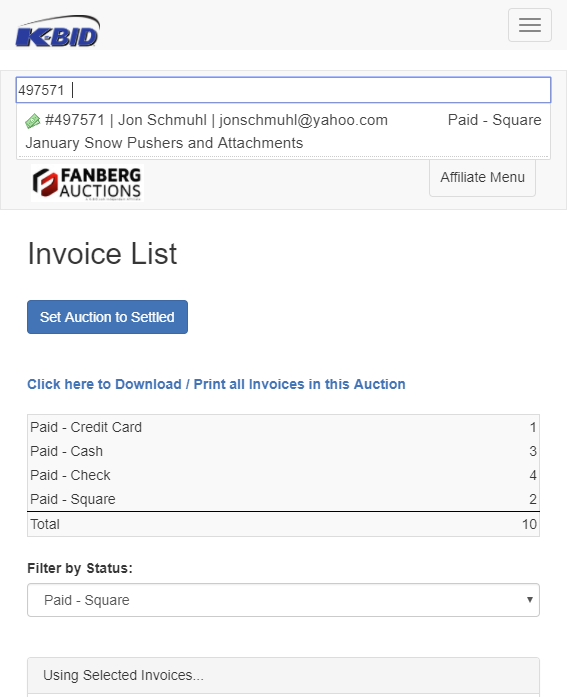
When you enter the invoice number, it will show bidder information and a quick glance at the status of the invoice.
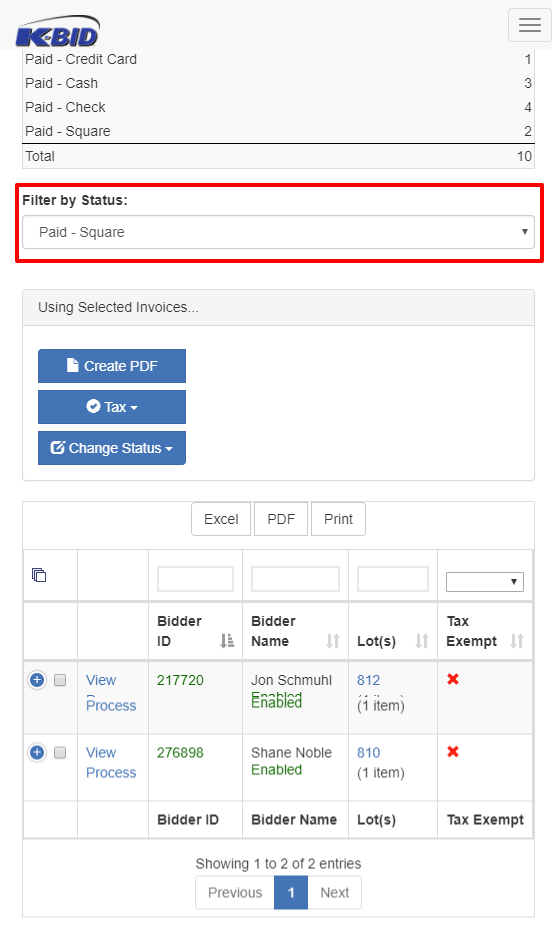
The second option is to use the Filter By Status option.
Comments
0 comments
Please sign in to leave a comment.